Isramedia team · 22 October 2026 · General guide
Start with the model
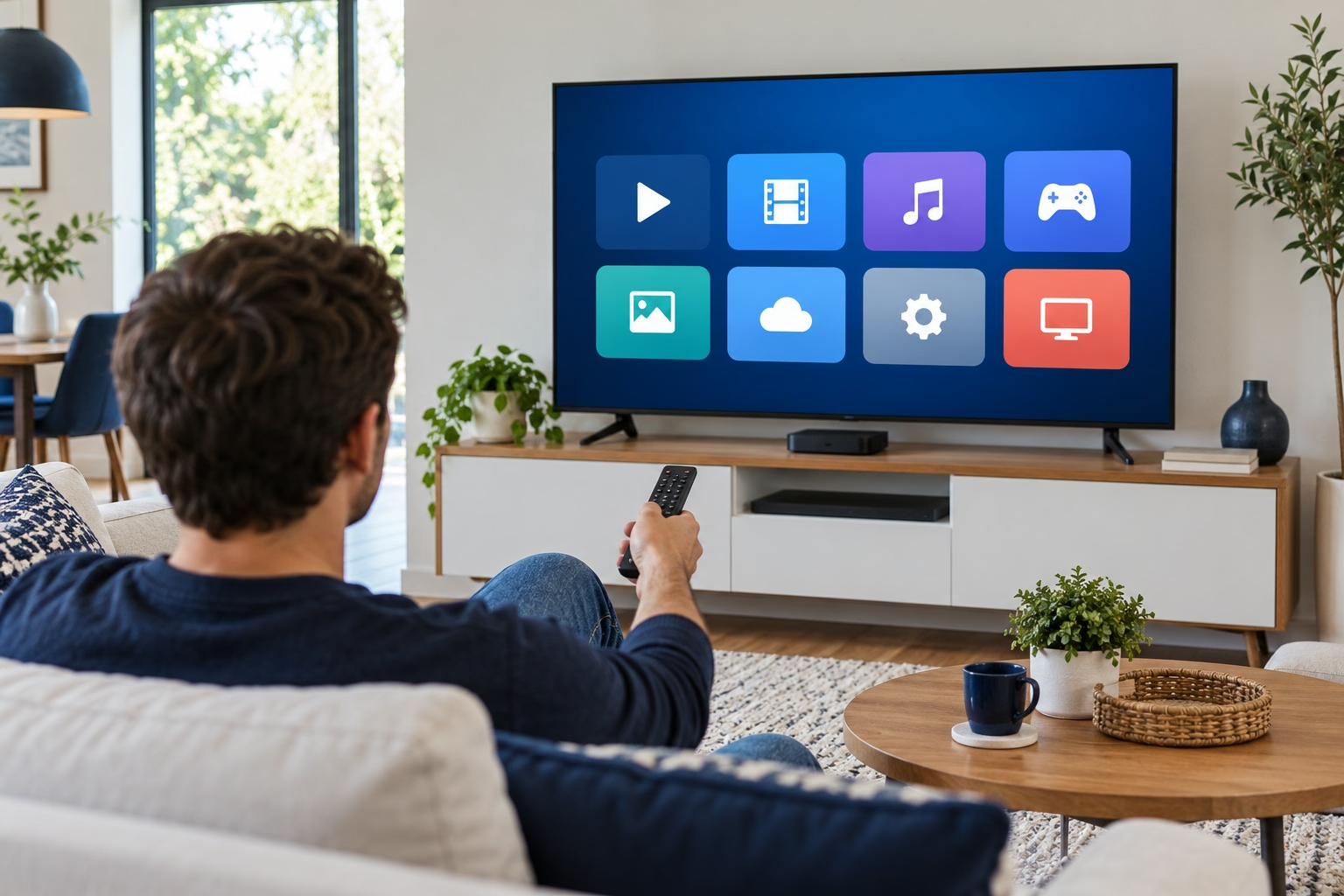 Smart TV IPTV setup begins with identifying your device rather than downloading the first search result. Record manufacturer, full model code, production year and software version in Settings. TVs from the same brand may use different operating systems and stores. Check the rear label or manual if needed. You need not publish serial numbers or personal details to ask about compatibility.
Confirm the TV is online and can open a familiar installed app. This is only an initial check: one working app does not guarantee every service. Have the remote, required store account and instructions on another screen ready. Samsung users can follow the detailed step-by-step setup guide. For other brands, use the specific manufacturer’s instructions rather than copying another device’s menus.
Choose a compatible player
An IPTV player displays content; the subscription supplies access. Installing or licensing a player does not establish that you bought channels. Ask your provider for the supported player’s name and connection method, then confirm operating-system compatibility with the developer. Compare licence fees, activation-transfer rules and support.
Search your device’s official store for the exact name and verify the developer. Samsung’s documented route includes Home, Apps, search and installation, with model variations. A missing app is not evidence that changing regions or downloading an unknown file is the answer. Request confirmation for your model and market. If no supported TV player exists, assess a suitable streamer and total cost before buying more hardware.
Configure access details
Identify what you received: a playlist URL, server with username and password, or other connection instructions. Use a method documented by the player and approved by your provider. TV account credentials, player activation codes and subscription passwords are not necessarily interchangeable. If a required field has no supplied value, ask rather than guess.
Copy addresses carefully without extra spaces. Playlist links may contain personal access information; keep them out of public groups and screenshots. Follow official developer instructions for web activation and verify the destination before entering device identifiers. Keep purchase confirmations privately. Check sign-in and list loading as separate stages. For guidance by device type, visit the SETUP CENTRE.
Test before settling in
A useful setup test goes beyond one channel opening once. Check several items you are authorised to watch, picture, sound, switching and subtitles where available. Reopen the player and check the programme guide if supported. If only one item fails, report its name and test time rather than immediately resetting the TV.
If everything stops, compare the same content and device while changing one variable at a time. Start with the home connection troubleshooting guide. Before reinstalling, retain access and activation details. A useful support request includes device, player, version, error and failed stage without passwords.
Does every Smart TV work? Not necessarily: compatibility depends on the model, operating system and player.
Does the player include content? Check separately what you purchased from each organisation.
Source and scope: Samsung’s app-use instructions. Other checks provide a general framework, not a record of testing every model.