Isramedia team · 22 October 2026 · General guide
What do you actually need?
 Begin with a short household needs list: programmes, content types, languages, viewers and devices. A large channel count does not confirm your specific content. Request a current list, checking seasons, episodes, audio and subtitles for on-demand items. Similar package names do not prove identical content from different providers.
Separate essential content from extras you might use. Sports viewers ask different questions from series fans. Consult the guide to choosing a sports viewing service or the Hebrew subtitle checklist. Record simultaneous viewers, not only the number of household devices. Prepare requirements before a sales conversation so your decision follows actual habits rather than broad promises.
Read the terms
Compare the whole subscription period, not just the headline amount. Record subscription charges, player licence, required hardware and extras. Ask what happens at the end: automatic renewal, later price and steps to stop billing. Terms must match your selected plan and the organisation actually charging you.
Ask about concurrent connections, replacing devices and reinstalling. Read refund conditions and contact procedures; a player’s policy does not automatically cover the content provider. Retain the offer and payment confirmation. For wider calculations, use the guide to reducing television costs. Do not compare the averaged monthly price of a long plan with a single month’s price without showing total commitment and upfront payment.
Check compatibility
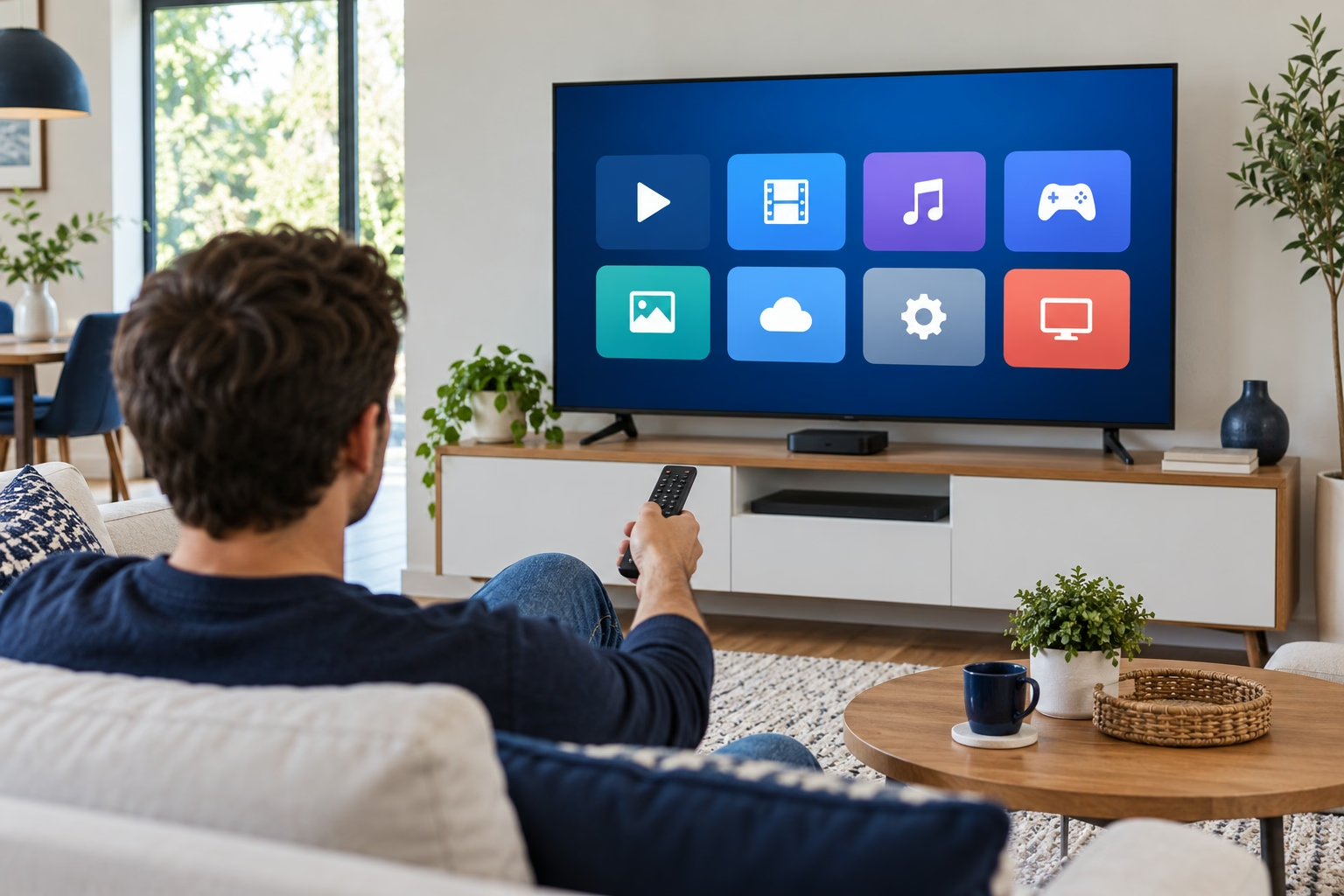
Prepare your TV or streamer model and operating system. Request the exact supported player, official instructions and connection method. “Works on Smart TVs” is not confirmation for your model. For paid players, ask the developer what the licence covers and whether it belongs to a device, account or period.
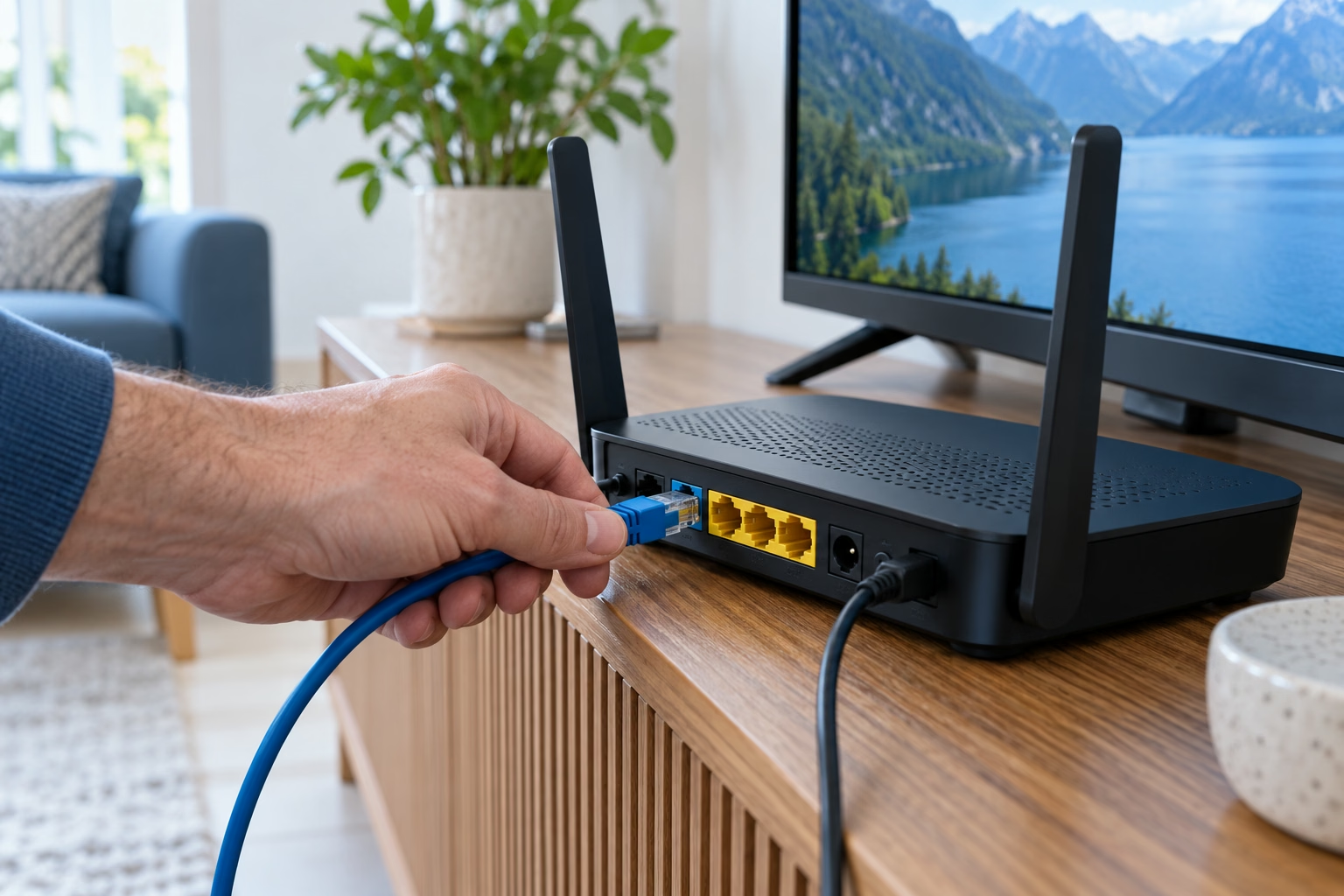
Check the network where you will watch. Picture quality combines source, service, player, device and connection; a 4K label does not establish every item’s resolution. Ask which sources offer the stated quality and their connection requirements. If other services already buffer, start with home connection diagnosis before replacing your subscription. For installation order, read the Smart TV setup guide. The aim is to know your route and any necessary purchases in advance, not to accept a broad promise that payment will resolve every problem.
Start with clear information
Use one comparison sheet with the same questions for every provider: essential content, languages, devices, concurrent viewing, total cost, renewal and support. Mark each answer as tested, confirmed in writing or still open. Clear prices and full answers are easier to assess than guessed inclusions. Prioritise the needs you defined at the beginning.
Before confirming an order, establish how access arrives, where to seek help and what support needs. Do not share passwords publicly, and use content you are authorised to view. The website’s subscription plans help compare periods, but read the displayed information and terms before deciding. This guide does not guarantee particular content availability.
Is the cheapest plan the best value? Only when total cost and content suit your requirements.
Should I choose a long period? Compare the upfront amount and flexibility you need.
What if compatibility remains unanswered? Complete the checks before payment. This is a practical comparison framework, not a ranking based on tests of every provider.